
Home-based or mobile? The address rules that keep you safe.
When to hide your address, how far your service area can reach, and the address setups Google says aren't allowed.
Last reviewed November 20, 2026 against Google's own help pages. Google changes these rules often; if a step doesn't match what you see, trust the help page linked in Sources.
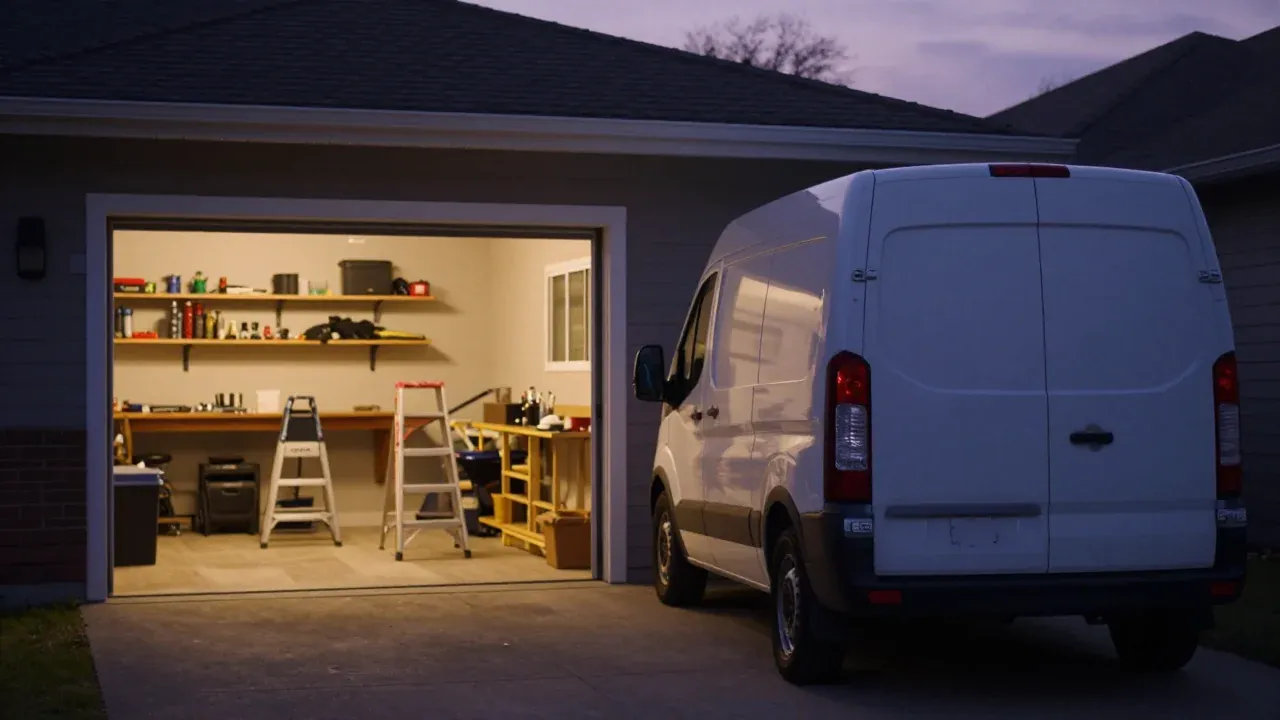
If you work from home or out of a truck and customers don't come to you, Google says to hide your address and list the areas you serve instead. Getting this one setting right removes one of the most common reasons contractor profiles get suspended.
01
Am I a storefront, a service-area business, or both?
Google sorts every business into one of three types. Pick the one that's true today, not the one that looks bigger.
| Type | Google's test | Trade example | Show address? |
|---|---|---|---|
| Storefront | Customers visit in person during your hours, and the address has permanent signage. | A plumbing supply counter or a showroom | Yes |
| Service-area business | You go to customers and don't serve them at your address. | Plumber, roofer, HVAC tech, cleaner | No, hide it |
| Hybrid | Customers come to you and you also go to them, and the location is staffed. | A shop with a counter that also runs service trucks | Yes, plus service areas |
The catch for hybrids
Google adds a catch for hybrids: if the location doesn't have permanent signage, it isn't eligible as a storefront and should be listed as a service-area business.
02
How do I hide my address and add service areas?
-
Step 1: Decide which type you are
If customers come to your address during business hours and there is permanent signage, you are a storefront. If you go to the customer, you are a service-area business. If both, you are a hybrid.
-
Step 2: Hide the address if customers do not come to you
Go to your Business Profile, select Edit profile, then Location. Next to Business location select Edit, turn off "Show business address to customers", and select Save.
Business locationEditShow business address to customersOff1Turn this offSave2SaveTurn the address off, then save. Illustration built from Google's help page, so labels may look slightly different on your screen. -
Step 3: Add your service areas
In the same Location section, next to Service area select Edit. Add the cities or ZIP codes you serve, up to 20, and select Save.
Service areaEditYour City, Your Other City, 000001Cities or ZIP codes, up to 20Save2SaveSame Location section: Service area, then Edit. Illustration built from Google's help page, so labels may look slightly different on your screen. -
Step 4: Keep the whole area within about 2 hours of driving
Google says the overall boundary should not be more than about 2 hours of driving time from where the business is based.
-
Step 5: Wait for the edit to go live before changing anything else
Google says service-area edits may take up to 48 hours to show if approved. Make one change, wait, then check.
Hiding the address doesn't make you less real to Google. You still verify at that address, and for a home-based business Google says your verification video can show signs and landmarks in your neighborhood. Video verification shot list.
03
How far can my service area go?
Towns you serve are not an office there
Listing towns you serve doesn't put an office there. If you want to show up in a town 30 miles away, the answer is real work there (jobs, reviews from customers there, a page on your site about that work), not a second address. Faking an address in that town is the setup Google calls a virtual office.
04
Which address setups get contractors suspended?
Each of these is against Google's guidelines:
A P.O. box or a rented mailbox.
Google says P.O. boxes and mailboxes at remote locations aren't acceptable, and that a profile with a P.O. box address will be suspended.
A virtual office.
A mailing address you rent but don't work from isn't eligible.
A coworking desk with no customers.
Only allowed with clear signage, staff on site and customers received during business hours.
A home address showing to the public
When customers don't come there. Google says to clear it.
Two profiles for one business,
in one account or two. One per location, and each extra location needs its own staff and service area.
Keywords or a website in the address lines.
Google says not to put anything there that isn't part of the physical address.
Right setup, still suspended
Getting these right lowers the risk; it doesn't remove it. A lawn-care owner on LawnSite who was already set up as a service-area business was still suspended, was told twice that the profile had been reinstated, and still didn't show up. The replies kept coming back to the same two rules: no address showing without signage, and never a P.O. box (source). If you're suspended now, start with the first 24 hours.
Check the rest of your setup with the 2-minute suspension risk quiz and the suspension-proof setup checklist. If a marketing company set up your profile, find out whether you or they own it with the 10-minute ownership check.
Want to show up farther out without an office? See how to show up in towns 25 to 35 miles away.
Other questions owners ask
Can I hide my address on Google Business Profile?
Yes, if customers do not come to your address. Google says you should only choose not to show your address if you are a service-area business, and that a plumber running the business from a residential address is exactly that case.
How many service areas can I list?
Up to 20, set by city, postal code or other area. Google no longer lets you set a radius around your address, and it says the whole area should stay within about 2 hours of driving from where you are based.
Can I use a rented mailbox or a coworking office to look local in another town?
No. Google says P.O. boxes and mailboxes at remote locations are not acceptable, a rented mailing address you do not work from is a virtual office and is not eligible, and a coworking office only counts if it has signage, is staffed and receives customers during business hours.
Can I verify a home address with a video?
Yes. For a service-area business run from home, Google says you can record landmarks and signs in your immediate neighborhood to verify the address. The address stays hidden from customers.
Sources (6)
- Google Business Profile Help: Guidelines for representing your business on Google
- Google Business Profile Help: Manage your service areas for service-area & hybrid businesses
- Google Business Profile Help: Manage your business address
- Google Business Profile Help: Overview of Google Business Profile policies
- Google Business Profile Help: Verify your business with a video recording
- LawnSite thread: Google Business Profile suspended
Why we wrote this. Suspension was the loudest, most emotional problem in our November 2026 study of more than 500 contractor comments and discussions on Reddit, YouTube, trade forums, the Google Business Profile Help Community and agency review sites (how we did the research). Owners kept saying the same thing: the profile disappeared and nobody at Google would explain why. We wrote down the steps that work, checked each one against Google's current help pages, and dated it.

Free, no call needed