
How to pass Google's video verification on the first try.
A shot list for contractors who work out of a truck or a home, built from Google's own requirements.
Last reviewed November 20, 2026 against Google's own help pages. Google changes these rules often; if a step doesn't match what you see, trust the help page linked in Sources.
Printable · PDF
Download the video verification shot list
To pass Google's video verification, record one continuous, unedited video of at least 30 seconds, live through your Business Profile on your phone, that shows where you operate, proof the business exists, and proof you manage it. Most contractor videos fail because one of those three is missing, not because the business isn't real.
01
Why is Google asking me for a video?
Google picks the verification method; you can't. Its help page says the methods available depend on your business type, public info, region and hours, and that some businesses need more than one. When video is offered, Google recommends using it. Changing your business info can also trigger a new verification.
Video was the biggest owner complaint we found on YouTube (example thread): owners failing four or more times with everything in place, and long-time businesses being asked to film their trucks and gear. Local Search Forum regulars report clients suspended again right after verification (source). A plan helps.
If a marketing company manages your profile, check who holds Primary Owner before you record: see how to make yourself Primary Owner. To set up the address you show on camera, read the address and service-area rules.
02
What does Google require in the video?
From Google's video verification page, your video must be:
Unedited, unique and complete
A recording with no breaks.
At least 30 seconds long
Recorded on a mobile device
Recorded and uploaded from a mobile device through your Business Profile (no pre-recorded clips).
And it must not include
Sensitive info like bank, tax or ID numbers, private info about you or anyone else, or other people's faces.
Service-area business (you go to the customer)
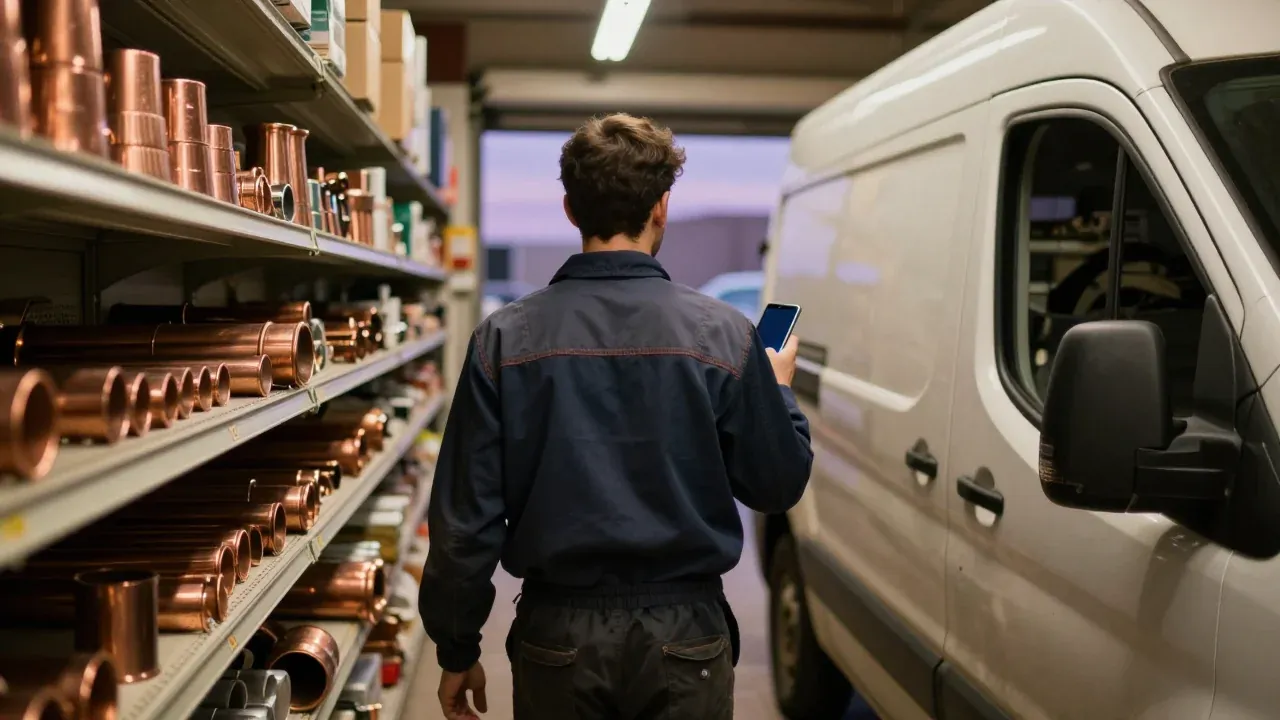
Google wants to see where the business operates, proof it exists (tools, equipment, workspace, business cards, branded clothing) and proof you manage it (doing the work, unlocking a branded van, or a permit, invoice or utility bill in the business name).
Storefront (customers come to you)
Google wants nearby street signs or businesses, permanent signage with the same name as the profile, and something only staff can reach, like a back room or a register.
03
What's the shot list for a contractor who works from a truck?
Walk through this once without recording, then record it in one take. Aim for 45 to 60 seconds so you clear the 30-second minimum with room to spare.
-
Step 1: Start outside, on the street
Hit record standing at the nearest street sign or a landmark you can name, then pan to your house or shop number. If you work from home, Google says you can film landmarks and signs in your immediate neighborhood.
-
Step 2: Walk to your work vehicle without stopping
Keep recording as you walk to the truck or van. Show the business name on the door or wrap. The name should match the name on your profile.
-
Step 3: Unlock it and open it
Use your own keys or fob on camera. Google gives unlocking a branded van as an example of proof that you manage the business.
-
Step 4: Show the tools of your trade
Film the equipment you actually use: the drain machine, gauges, ladders, the mower deck. Google lists professional tools and equipment as proof the business exists.
-
Step 5: Show one business document
Hold up your trade license, a business permit, an invoice or a business utility bill with the same name as the profile. Cover any account numbers.
-
Step 6: Finish on something branded
A shirt with your logo, a business card or a yard sign. Keep the recording going past 30 seconds, then stop.
Where to record
On your phone, open your Business Profile, tap Get verified, then Business video, read the requirements, allow camera, location and microphone, and tap Start recording. Review it before you tap Upload video.
04
Why do contractor videos get rejected?
Google's own examples of rejection reasons are a business name not visible, no nearby area shown, and missing proof of authorization. Here's how those show up for trades:
| What went wrong | How to avoid it |
|---|---|
| Started inside the truck, no street shown | Start at a street sign or landmark you can name. |
| Truck is unmarked, or the name on it differs from the profile | Show any branded item with the exact profile name: magnet sign, shirt, card, invoice. |
| Cut and restarted, or edited | One take only. Practice the walk first. |
| Filmed a customer or a coworker's face | Record alone, or keep people out of frame. |
| Showed a document with account numbers | Cover the numbers with your thumb. |
05
What do I do if it fails?
On your phone, open the profile and tap Review issues. Google lists what was missing. Record a new video that includes everything from the first one plus the missing pieces. If video keeps failing, try any other method your profile offers. Google says to try the available methods before contacting support, which makes it easier for them to help. How to reach support.
If it fails again, see how to reach a real person at Google support and read suspended, disabled or restricted.
Other questions owners ask
How long does Google take to review a verification video?
Google says the review can take up to 5 business days. You will either be verified or told the video was not successful, with the reasons, and you can record a new one.
Can I upload a video I already recorded?
No. Google says you must capture the footage live through the Business Profile on your phone. Pre-recorded videos are not allowed and you cannot record offline and upload later.
Can I edit out the boring parts?
No. Google requires an unedited, complete recording with no breaks. Plan the route before you hit record so the video flows from the street to the truck to the documents in one take.
My video keeps failing. What else can I do?
Open Review issues on your profile and read what was missing. Google says your new video should include everything from the first one plus the missing items. If it still fails, try another verification method if your profile offers one, and Google says its support team can help after you have tried the available methods.
Sources (5)
- Google Business Profile Help: Verify your business with a video recording
- Google Business Profile Help: Verify your business on Google
- Google Business Profile Help: Manage your service areas for service-area & hybrid businesses
- YouTube: owner comments on a Google Business Profile setup and verification video
- Local Search Forum thread: client with multiple suspensions following verification
Why we wrote this. Suspension was the loudest, most emotional problem in our November 2026 study of more than 500 contractor comments and discussions on Reddit, YouTube, trade forums, the Google Business Profile Help Community and agency review sites (how we did the research). Owners kept saying the same thing: the profile disappeared and nobody at Google would explain why. We wrote down the steps that work, checked each one against Google's current help pages, and dated it.

Free, no call needed