
Fake competitor listings on Google Maps? Here's how to get them removed.
Which of Google's reporting tools fits which kind of fake, what proof to attach, and how to keep a record so you can follow up.
Last reviewed November 20, 2026 against Google's own help pages. Google changes these rules often; if a step doesn't match what you see, trust the help page linked in Sources.
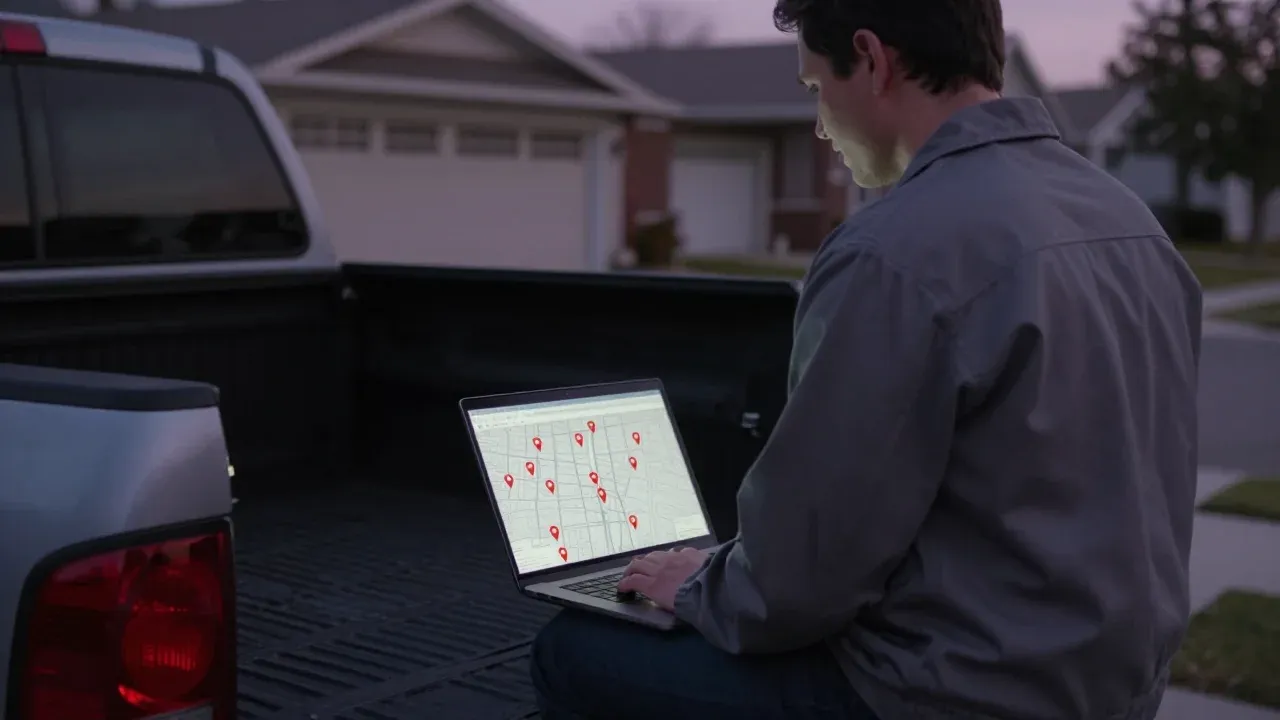
To get a fake competitor listing removed from Google Maps, report it to Google yourself and match the tool to the problem: Suggest an edit in Maps if the business may not exist, the Business Redressal Complaint form if its name, address, phone or website is misleading, and Report review if its reviews look bought. Google does not guarantee action, so the owners who succeed keep dated proof and report in batches.
01
Is it a fake listing, or a competitor I just don't like?
Pick the card that matches what you see. Each one links to the full guide for that problem.
The business does not exist
A name and a Maps pin, but no real office, truck or crew behind it. Often a mailbox, a house or another company's address.
Use the complaint form →The name is a keyword list
A listing called something like "Best Emergency Plumber Near Me" instead of a business name. Google's name rules do not allow it.
Get the name corrected →The reviews look bought
A pile of five-star reviews that appeared in days, or reviews posted for a payment or discount, which Google prohibits.
Report the reviews →A real competitor, just ahead of you
They have a real office, a real name and real customers. Google's rules allow it, so reporting wastes your time. Fix your own profile instead.
Check your own setup →One owner in a local SEO forum described a rival who went from 92 to 250 reviews in a week and asked how to get him out of the top three (source). Another, who runs a local service business, wrote that a competitor ranks first with a suspicious address and suspicious reviews, and that he is frustrated with how Google handles enforcement (source). If that is you, the next section shows where each complaint goes.
02
Where do I report each kind of fake?
Google has more than one door. Using the wrong one is the most common reason a report goes nowhere.
03
What proof makes Google act?
The form asks you to quote the exact content you object to and to explain in detail why it is malicious. A vague report gives Google nothing to check.
The exact wording
The listing name, address or phone number copied exactly as it shows, not paraphrased.
The public Maps link
The full address of the listing, starting with google.com/maps. The form asks for it.
A dated screenshot
Listings get edited, so a screenshot with the date is your record of what was there.
The real-world mismatch
What the state business record, your own site visit or the street view shows instead. One fact beats a paragraph of anger.
Printable · PDF
Download the spam evidence log
PDF, free, no email needed
04
Does reporting spam actually work?
Sometimes, and more often than owners expect. Here is the evidence, with its limits.
What Google does not promise
The complaint form says Google cannot guarantee any action and that you will not be updated on the status. Report with proof, log it, and check back.
05
What should I do this week?
Six steps, in order. Most of the time goes into proof, not into the form.
Quick rule
One listing, one problem, one report, one log row. Then move to the next.
-
Step 1: Pick the one listing that costs you the most
Start with the fake that sits above you in the map results for your main search, not every spammer in town. One strong report beats ten rushed ones.
Done when: one Maps link copied into a note.
-
Step 2: Name the problem
Decide whether the business does not exist, its name, address, phone or website is misleading, or its reviews look bought. Google has a different tool for each.
Done when: one problem label written next to the link.
-
Step 3: Save proof before you report
Take dated screenshots of the listing and copy the exact wording you object to. Listings change fast, and a report with no proof is easy to ignore.
- Dated screenshots
- Exact wording
- Maps link
- Real-world fact
Done when: one filled row in an evidence log.
-
Step 4: File the report that matches the problem
Use Suggest an edit in Maps for a business that may not exist, the Business Redressal Complaint form for a misleading name, address, phone or website, and Report review or Report business conduct for review abuse.
Done when: your report shows as submitted.
Example Plumbing Pros Houston4.9 ★ (212) · PlumberAddress123 Example StPhone(555) 010-0100Suggest an edit1Open Suggest an editSuggest an editPlace is closed or not here2Pick this oneDoesn't exist hereOffensive, harmful, or misleading3Or this oneSubmit4Then submitReporting a business that may not exist, in Maps. For a misleading name, phone, website or address, use the complaint form instead. Illustration built from Google's help page, so labels may look slightly different on your screen. -
Step 5: Write down the date and check back
Google says the form gives no status updates, so keep your own record and look at the listing again every week.
Done when: a follow-up date on your calendar.
-
Step 6: Make sure your own profile would pass the same check
Compare your name, address and phone with Google's rules before you report anyone else.
Done when: nothing on your own profile that a rival could report back.
Each report type has its own guide: the complaint form field by field, bought reviews, keyword-stuffed names and the evidence log.
06
What mistakes get a report ignored, or hurt my own profile?
Four things to skip
Do not post a fake review on them.
Google's policy says merchants and users may not post content on a competitor's place to undermine its reputation.
Do not pay for your own reviews.
Reviews posted for a payment, deal or discount are prohibited. That includes a "reputation" company that sells reviews to you.
Do not recruit friends to mass-report.
Google says it looks at account behavior and whether a pattern of harmful behavior exists when it reviews reports.
Do not report a real business over a small mistake.
Google says the complaint form is for fraud. Fix a wrong name or phone number with Suggest an edit.
If your marketing company sells you reviews or builds extra listings, that puts your own profile at risk. Nine signs your SEO company is not doing the work covers it, and who should own your Google profile tells you how to check who has access.
07
What if Google does nothing?
Reports can sit. Three moves are still open to you.
Report again with better proof
If nothing changed, file a new report that quotes the exact content and adds a screenshot. Do not resend the same report word for word.
Build the evidence log →Ask the Help Community
The Google Business Profile Community is a volunteer forum, not Google staff, but its volunteer Product Experts answer questions about cases like this. Post the link and what you reported.
Open the Community →Strengthen your own listing
While a fake sits above you, a complete profile with real photos and honest reviews is what you control.
Keep your profile safe →Not sure spam is the reason you dropped? Run the ranking-drop diagnosis, or read why a competitor with fewer reviews can outrank you.
Other questions owners ask
Can I report a fake business on Google Maps if I do not own a Business Profile?
Yes. Google says you can request removal of a business even if you do not own the Business Profile, and a business can be removed if it never existed or is not eligible to be on Google. You need to be signed in to a Google Account to request a removal.
Will Google tell me what happened to my report?
It depends on the tool. Google says that after you send the Business Redressal Complaint form you will not be updated on its status. After a Suggest an edit removal request you might get a status email with follow-up questions. For reported reviews, the Maps app has a Reports section that shows statuses such as Processing report and Content removed.
How long does Google take to remove a fake listing?
Google does not give a timeline on the help pages for the complaint form or for removal requests. For a review reported on your own profile it says evaluation typically takes several days. Keep your own log and check the listing every week instead of waiting for an email.
Can a business with a mailbox or virtual office address be removed?
Google says a rented mailing address where the business does not operate, often called a virtual office, is not eligible for a Business Profile. It also lists a P.O. box or a mailbox in a remote location as ineligible. If a rival lists one as a service location, report the address with the complaint form.
Does reporting a competitor risk my own profile?
Google's help pages do not say that reporting a rival draws attention to your own profile. Still, fix anything on yours that matches what you are reporting, such as extra words in the business name, before you file, so a counter-report finds nothing.
Sources (12)
- Google Business Profile Help: Business Redressal Complaint Form
- Google Maps Help: Report a business on Google Maps
- Google Business Profile Help: Request removal of a Business Profile from Google Search & Maps
- Google Maps Help: Edit place information in Google Maps
- Google Business Profile Help: Guidelines for representing your business on Google
- Google Business Profile Help: Business eligibility and ownership guidelines
- Maps User Generated Content Policy: Prohibited & restricted content
- Maps User Generated Content Policy: Report or fix content
- Google blog: New ways we’re protecting businesses on Maps (April 16, 2026)
- r/localseo thread: competitor jumped from 92 to 250 reviews in a week
- r/GoogleMyBusiness thread: competitor ranks #1 with a suspicious address and reviews
- r/GoogleMyBusiness thread: fake locksmith listings
Why we wrote this. Spam competitors were one of the loudest complaints in our November 2026 study of more than 500 contractor comments and discussions on Reddit, YouTube, trade forums, the Google Business Profile Help Community and agency review sites (how we did the research). Owners kept saying they report fake listings and nothing happens. We checked every step against Google's current help pages, wrote down what each tool is for, and dated the page.

Free, no call needed