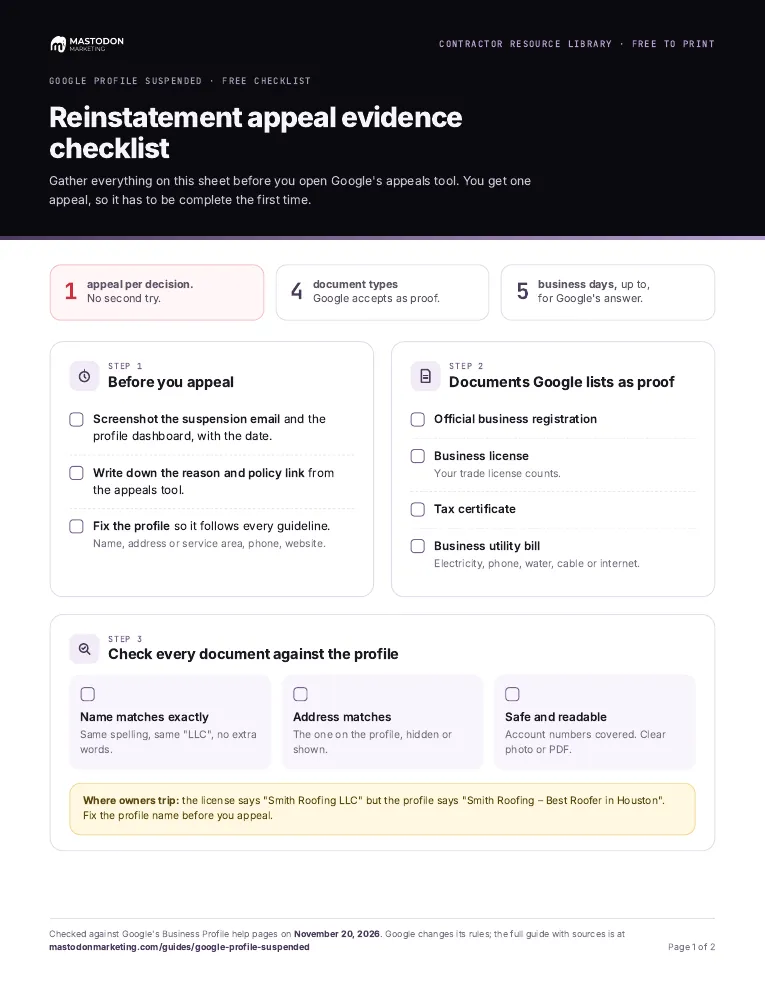
Reinstatement appeal evidence checklist
Gather everything on one sheet before you open Google's appeals tool. You get one appeal per decision, so it has to be complete the first time.

9 free PDF sheets for the problems contractors run into with Google and marketing companies, grouped by problem. Print one, or print them all.
Last reviewed November 20, 2026 against Google's own help pages. Google changes these rules often; if a step doesn't match what you see, trust the help page linked in Sources.

Every printable in the Contractor Resource Library is on this page, one card per sheet, grouped by the problem it helps with. Each is a free PDF on US Letter paper. Download the one you need, or the combined pack with all 9.
01
Yes. One file with all 9 sheets, 19 pages, and a bookmark for each sheet.
Print them all · 9 sheets · 19 pages
Download the combined printable pack
PDF, 1638 KB, free, no email needed
Printing one problem only? Each sheet below downloads on its own.
02
Three sheets for the three jobs: stay out of trouble, gather proof for the one appeal you get, and pass the video check.
Gather everything on one sheet before you open Google's appeals tool. You get one appeal per decision, so it has to be complete the first time.
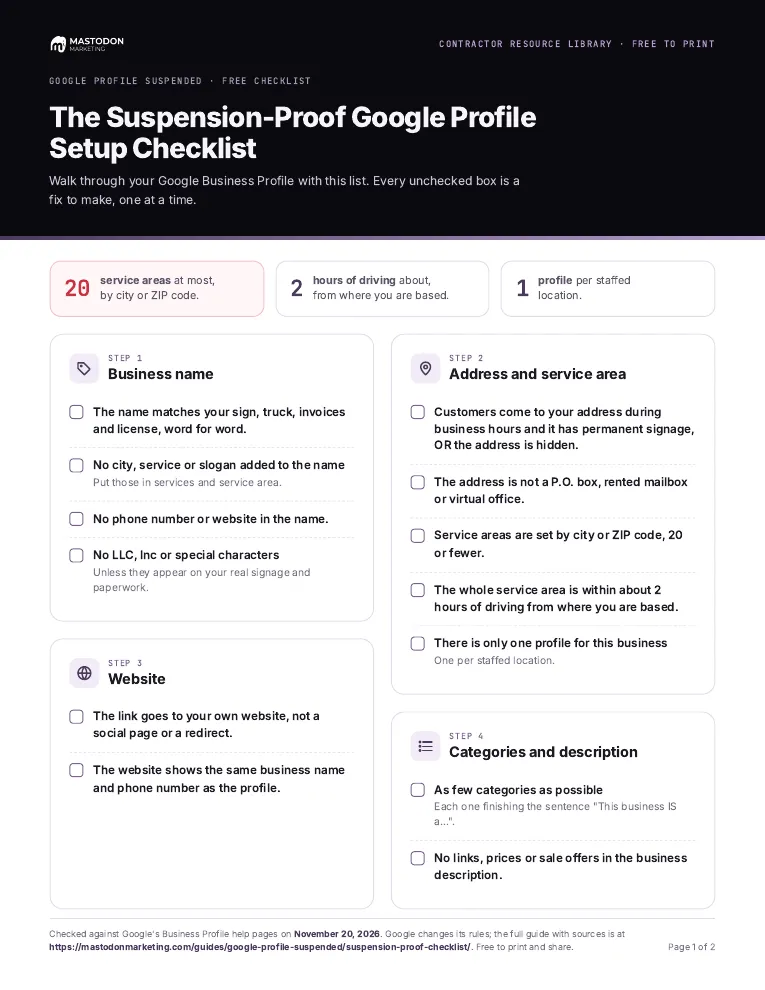
Walk through your name, address, service area, phone, website and owners. Every unchecked box is a fix to make, one at a time.
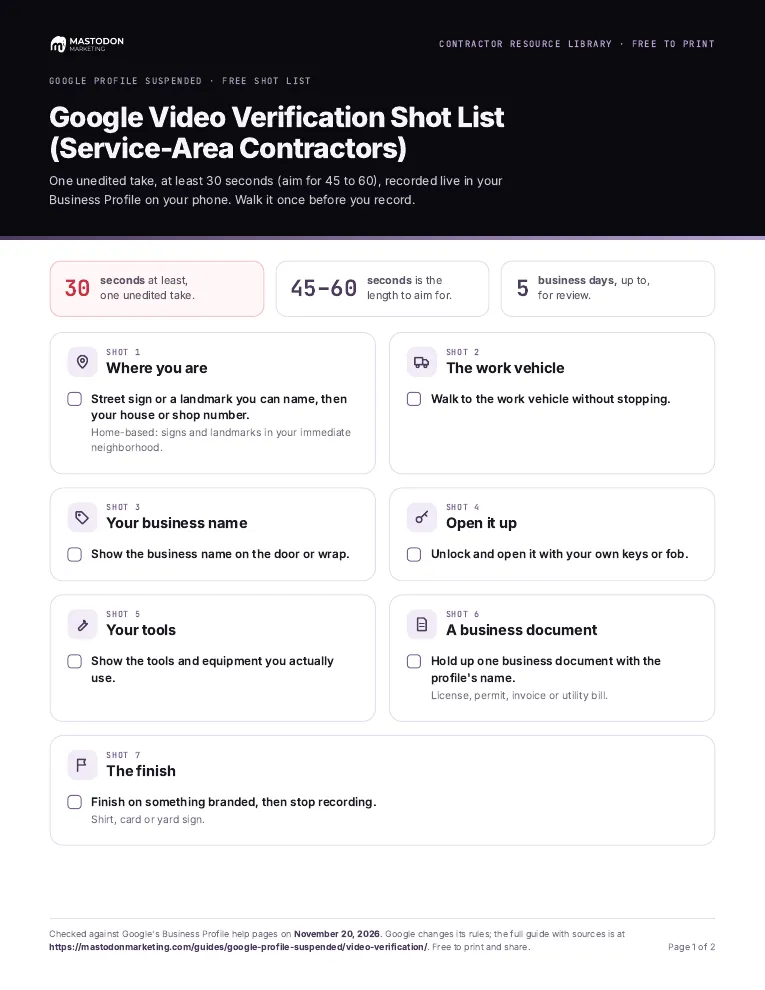
A shot-by-shot plan for the one unedited video Google asks service-area contractors to record. Walk it once before you film.
More on this problem: Google profile suspended? The recovery guide.
03
Find out what is yours and what your marketing company could keep, then write down every login in one place.
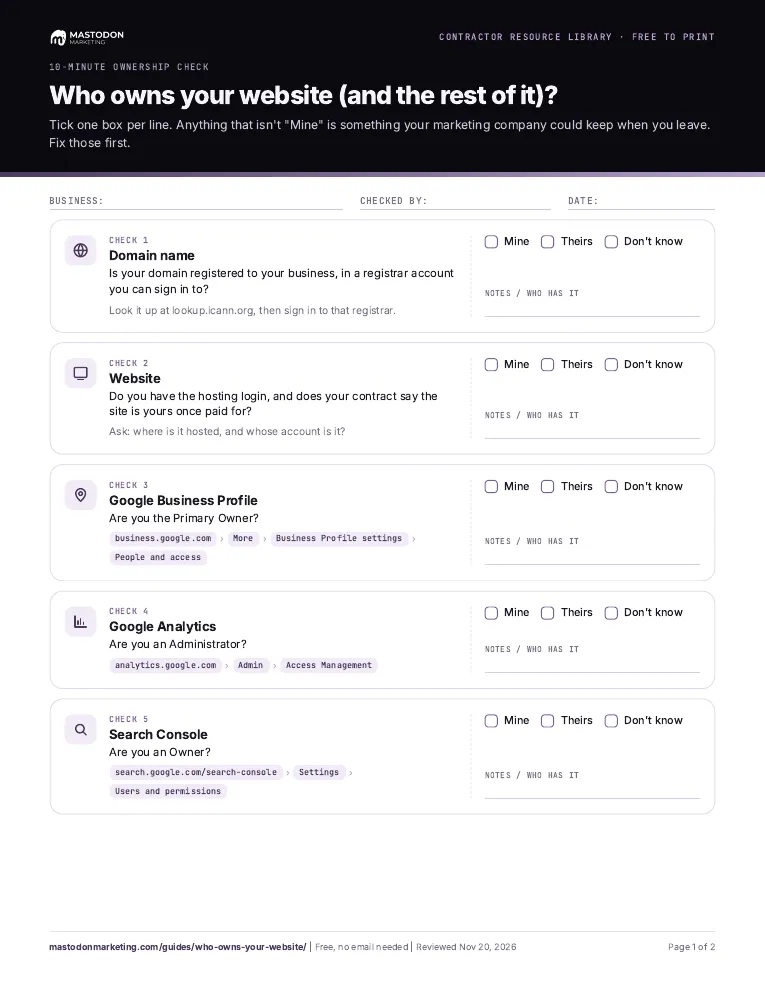
Tick Mine, Theirs or Don't know for your domain, website, Google profile, analytics and Search Console. Anything that isn't "Mine" is something an agency could keep.
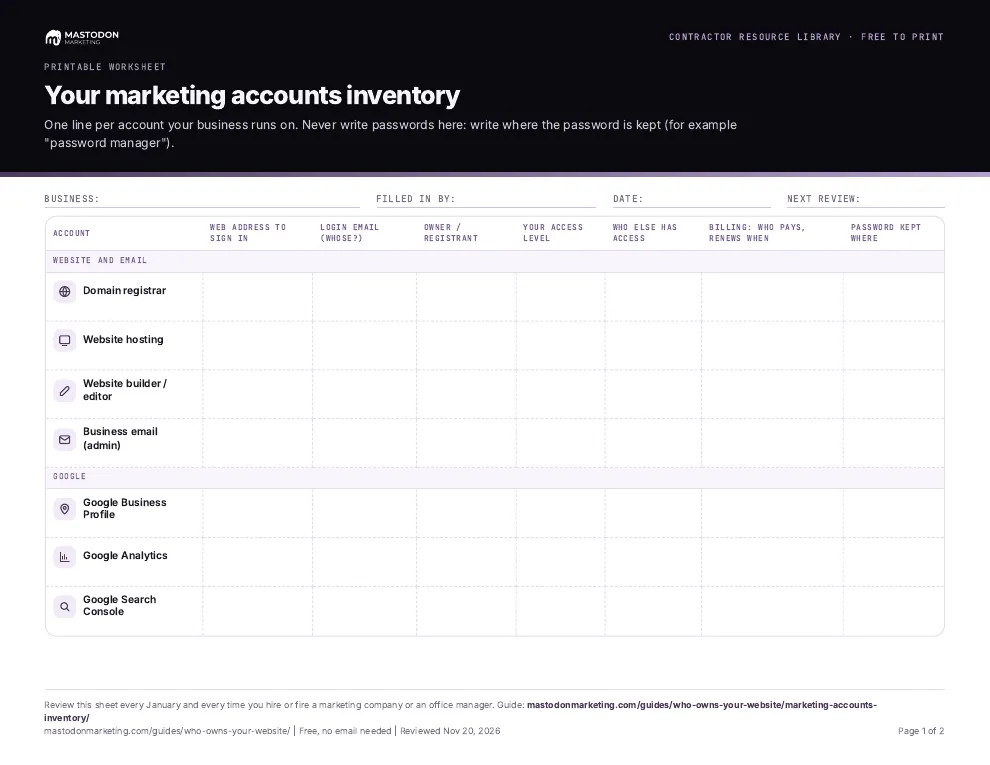
One line per account your business runs on, with where to sign in and who owns it. You write where each password is kept, never the password.
More on this problem: Who owns your website? The ownership check.
04
Score a company on the same 15 questions before you sign, so the decision does not come down to the sales call.
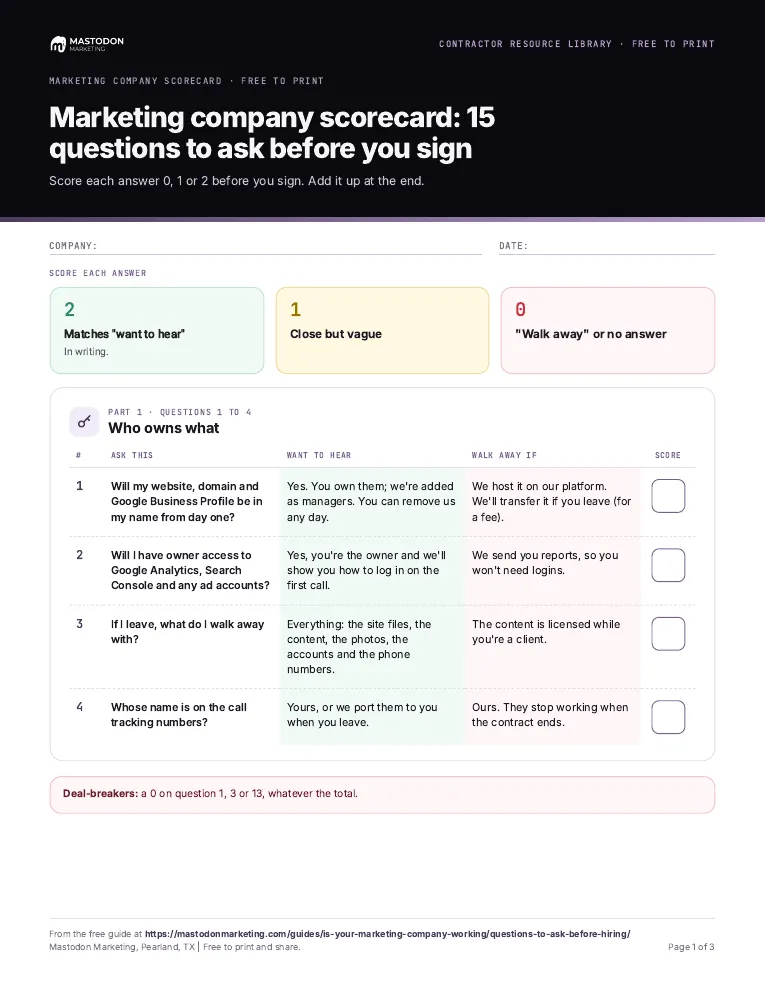
Score each answer 0, 1 or 2 before you sign, then add it up. Keep one sheet per company you talk to.
More on this problem: Is your marketing company actually doing anything?.
05
A report with proof behind it is harder for Google to ignore.
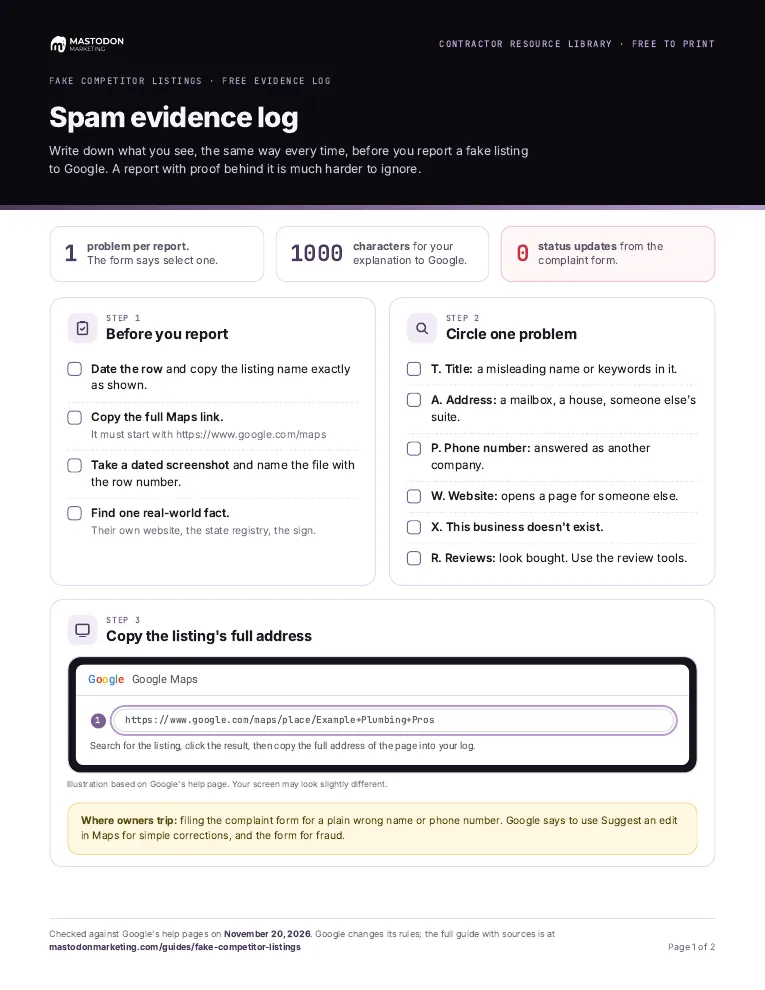
Write down what you see, the same way every time, before you report a fake listing to Google.
More on this problem: How to report a fake business on Google Maps.
06
One short weekly routine instead of a to-do list you never finish.
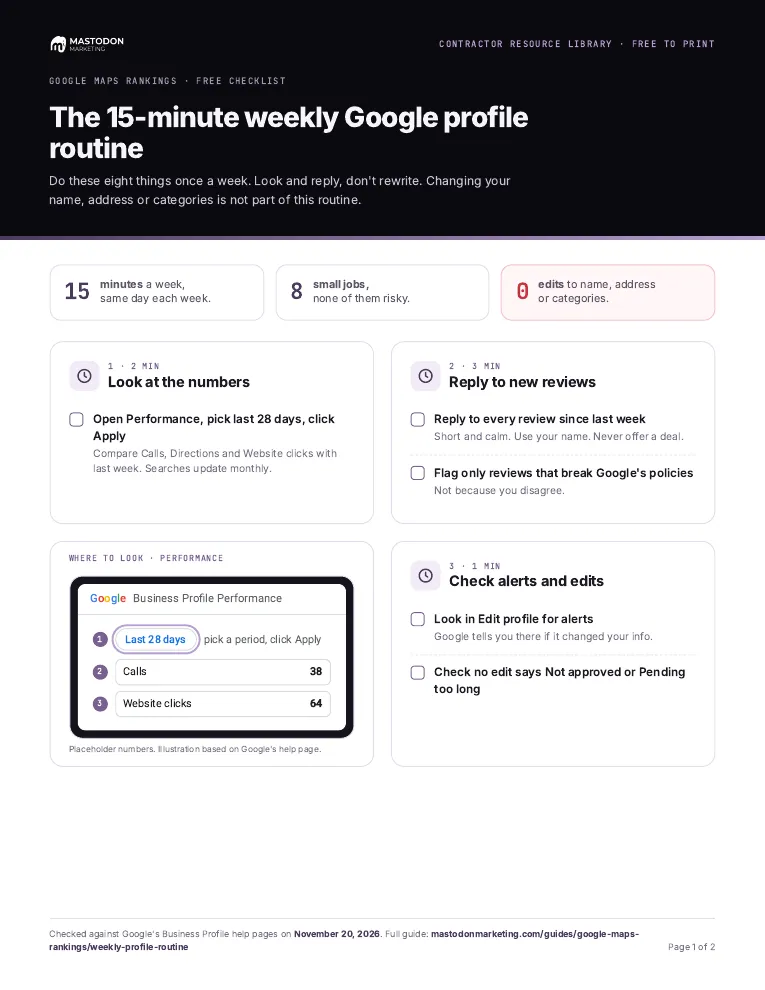
Eight small jobs, once a week. Look and reply, don't rewrite: changing your name, address or categories is not part of it.
More on this problem: Why a competitor with fewer reviews outranks you.
07
A four-week plan with the hours each job takes, so the work gets done in small pieces.
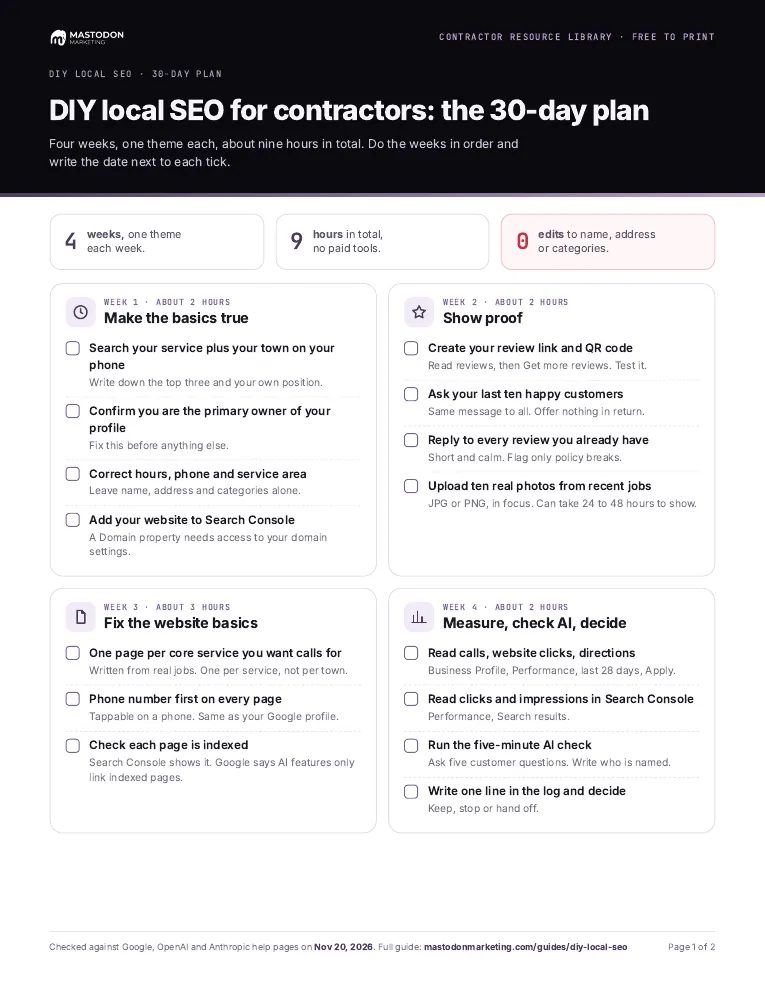
Four weeks of small jobs with a done-when line for each, from fixing your profile basics to checking what AI assistants say about you.
More on this problem: DIY local SEO for contractors: a 30-day plan.
08
Four tools do the same kind of job in your browser. Nothing you type is saved or sent.
Ten yes-or-no questions about your Google profile.
Paste a marketing contract and see which of 14 risky clauses it has.
How many booked jobs pay for your marketing.
Compare lead sites, Local Services Ads, Maps and referrals.
Not sure which problem you have? Start at the Contractor Resource Library and pick the one that sounds like yours, or check who owns your website first.
They are free and there is no sign-up. Each sheet downloads straight from this page as a PDF.
US Letter. Every sheet is one to three pages and is built to be printed and filled in by hand.
Yes. The combined pack puts all 9 sheets, 19 pages, into one PDF, with a bookmark for each sheet so you can print the whole thing or jump to one. Each sheet is also available on its own.
Start with the one that matches your problem. If Google shut your profile off, the reinstatement evidence checklist. If you are not sure what your marketing company controls, the ownership check. If you are about to hire, the marketing company scorecard.
Each sheet shows its review date in the footer, and the pages that explain them are checked against Google's own help pages. Google changes these rules often, so if a step does not match what you see, trust Google's help page.
Several. The suspension risk quiz, the marketing break-even calculator, the cost per booked job calculator and the contract red flag checker all run in your browser, and they link to the printable that goes with them.
Why we wrote this. In November 2026 we read 33 Reddit threads in full, about 510 YouTube comment threads and the agency complaints on BBB and Trustpilot, all from trades owners talking about Google and marketing companies. Owners kept asking for something they could print and write on, in the truck or at the kitchen table. Every sheet here belongs to a guide in the library and uses the same plain wording. Written by Alex Rocha.

Free, no call needed